
To create a new email template, please follow the following instructions:
- On the top navigation menu, please click on “TOOLS”
- Select “E-MAIL TEMPLATES”

- Click on the button "+ ADD NEW TEMPLATE" to create your new email template
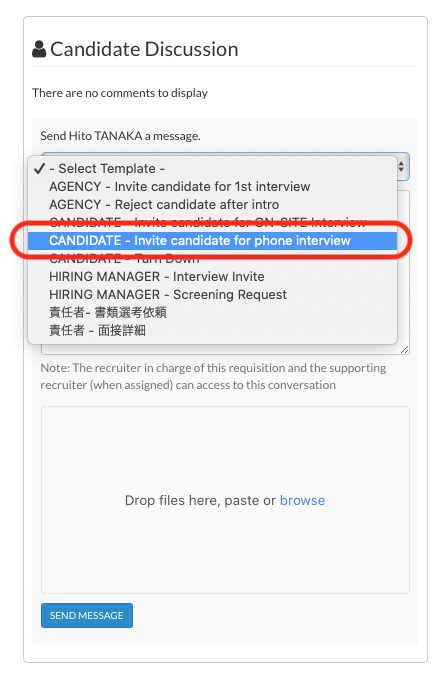
- Since your email template will be accessible in multiple part of the site, try to NAME YOUR TEMPLATES in such a way that they are easy for you to understand:
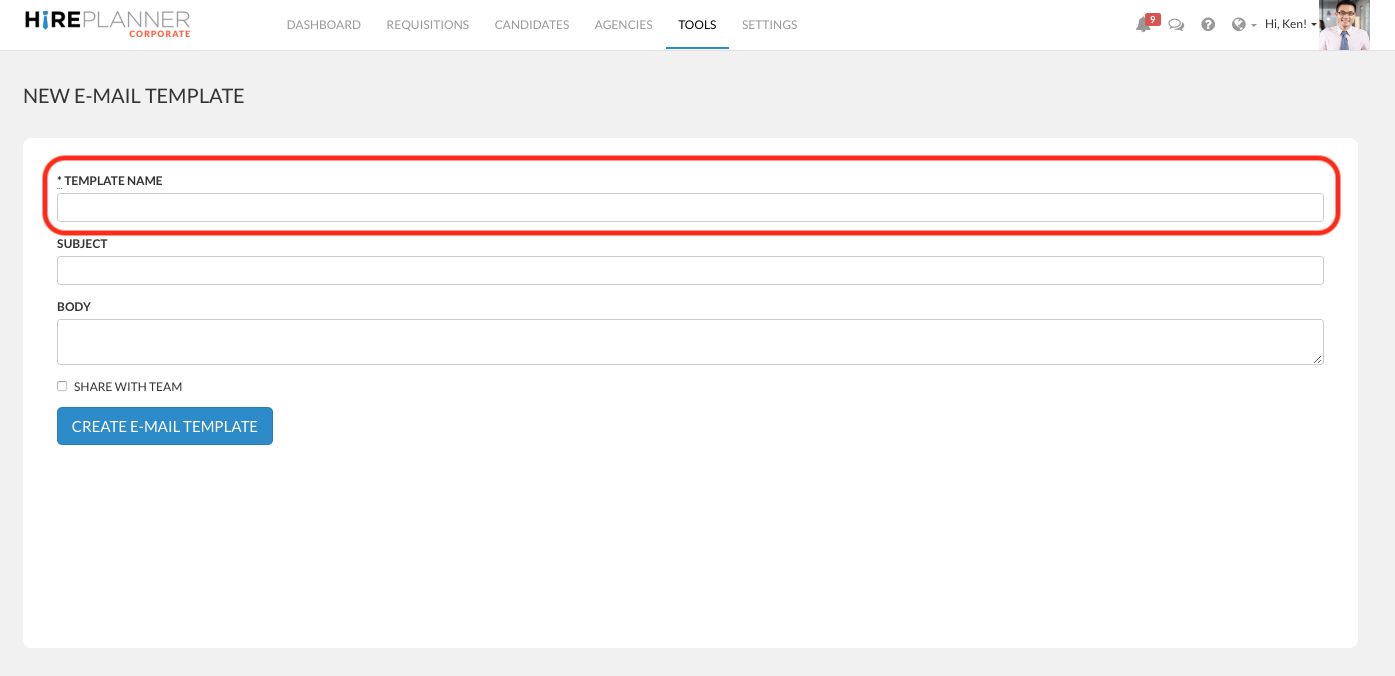
Examples of Template titles:
- CANDIDATE - Turn down
- CANDIDATE - Invite for video interview
- CANDIDATE - Invite for face to face interview
- HIRING MANAGER - Screening Invite
- HIRING MANAGER - Interview Invite
- AGENCY - Turn down introduction
- AGENCY - Schedule video interview
- etc.
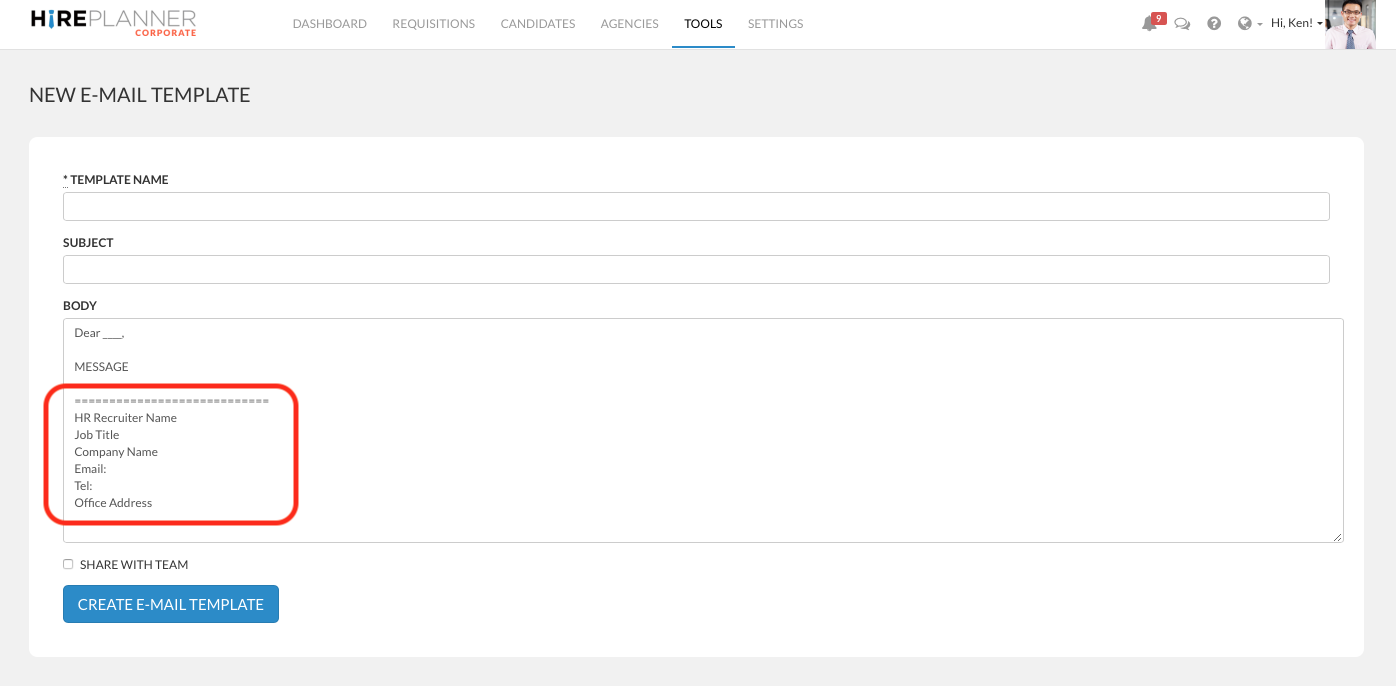
- Finally, please also remember to ALWAYS INCLUDE YOUR SIGNATURE at the bottom of each email template. This will help improve your candidates' and agencies' experience.
Comments
0 comments
Article is closed for comments.