
STEP 1:
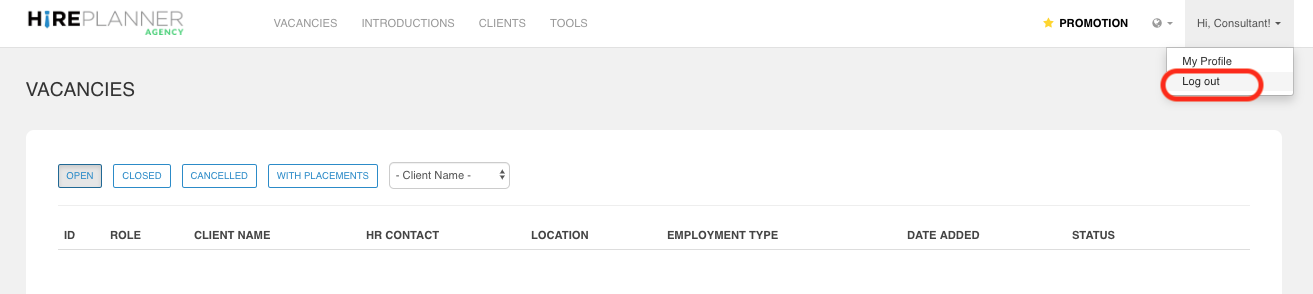
When you are logged in your HirePlanner Agency account, to log out, please click on your name on the right side of the top navigation bar and select "LOG OUT" in the drop down menu.
STEP 2:
Once logged out, you will be re-directed to the AGENCY landing page (see attached below).

Comments
0 comments
Please sign in to leave a comment.