
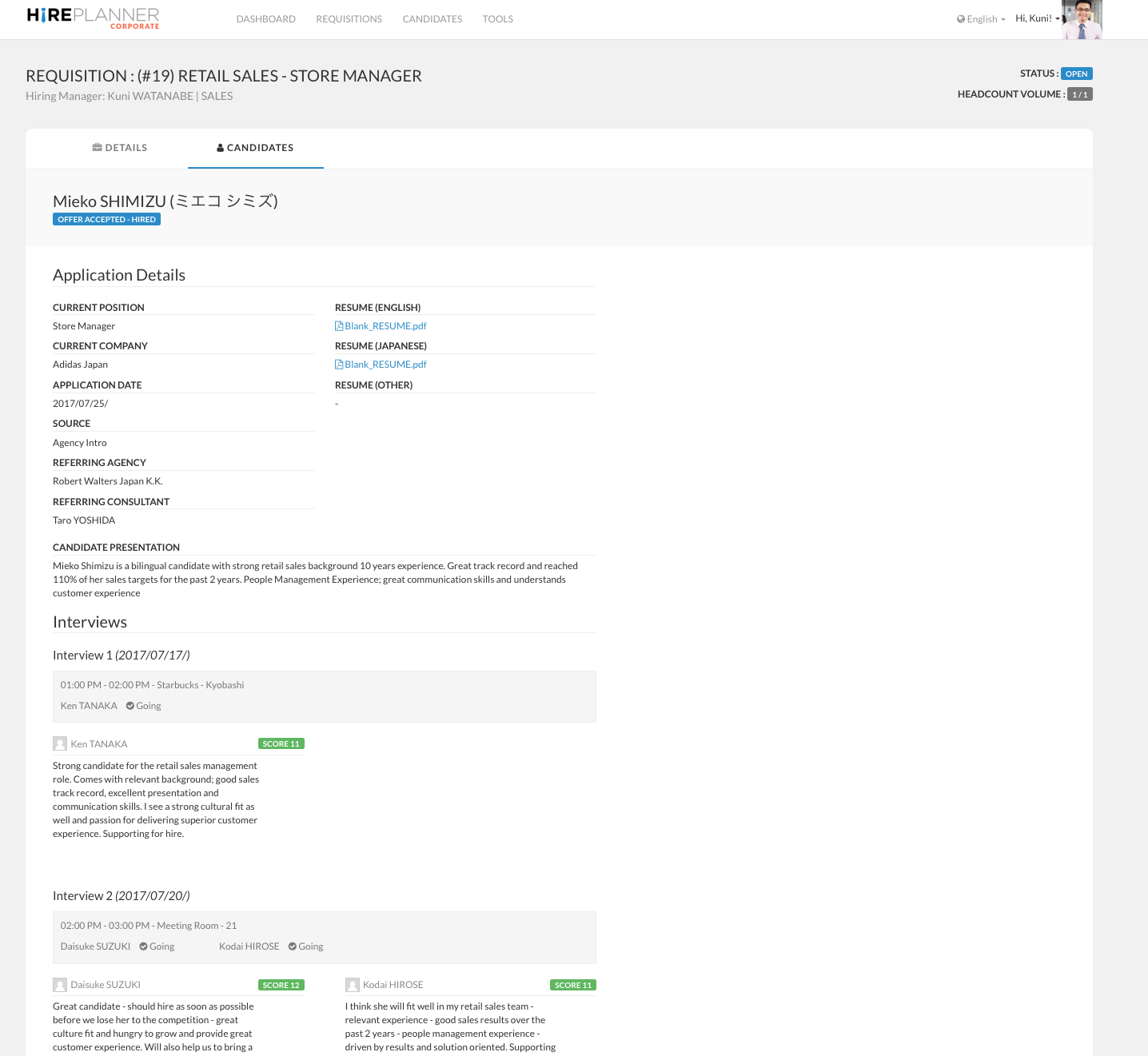
The candidate application page is where you can review all the details about a candidate application (example: cover letter, resume, requisition he/she has applied for, sourcing channel, interview feedback from your peers etc.)
To access a candidate application page, you first need to select the requisition the candidate has applied for (see "How to access a requisition") and then click on the "CANDIDATES" tab to access the list of applications (see "How to view your candidate pipeline")
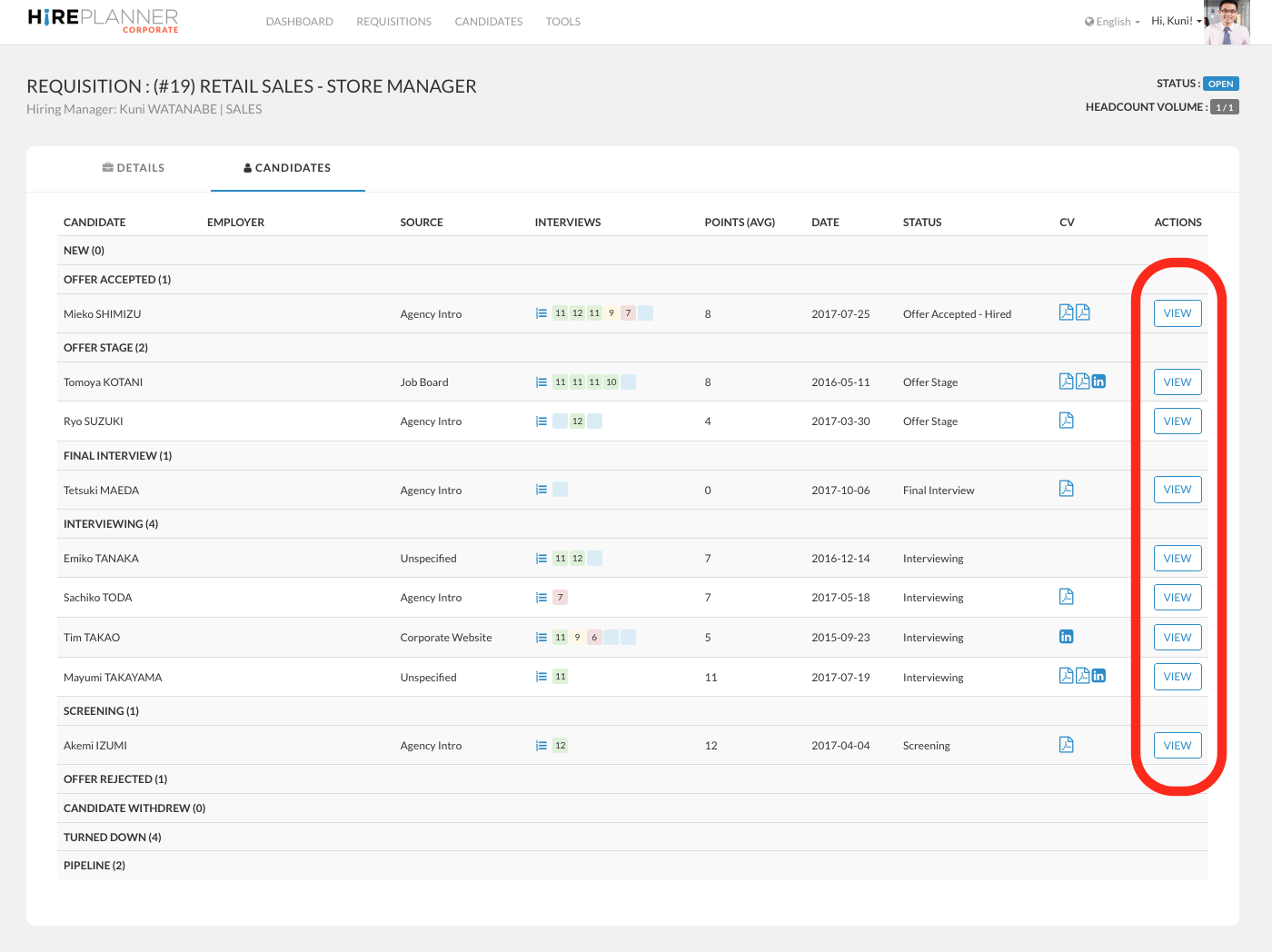
From the candidate pipeline section, click on the "VIEW" button to access the application details of the candidate you wish to review. This will direct you to the application details page of the candidate you have selected (see example attached below).
Comments
0 comments
Article is closed for comments.