
Your company logo will appear on both the recruitment page (where you job vacancies are listed) and the branding page located on the HirePlanner recruitment site.
To make your branding page and job postings more appealing to job seekers, it is important that you upload a 60 x 60 version of your logo (.jpg or .png format).
IMPORTANT: This setting can be done ONLY by the account owner or administrator in charge of your HirePlanner account.
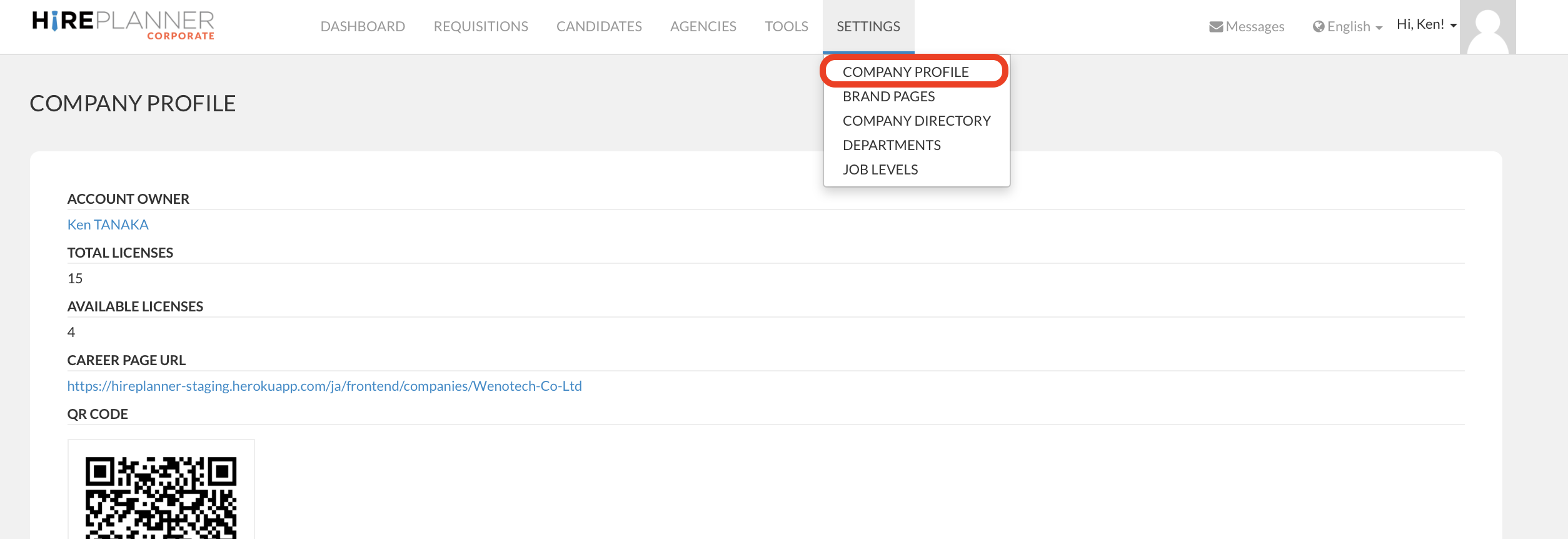
1. Click "Company Profile" located under the "Settings" tab on the top menu bar.
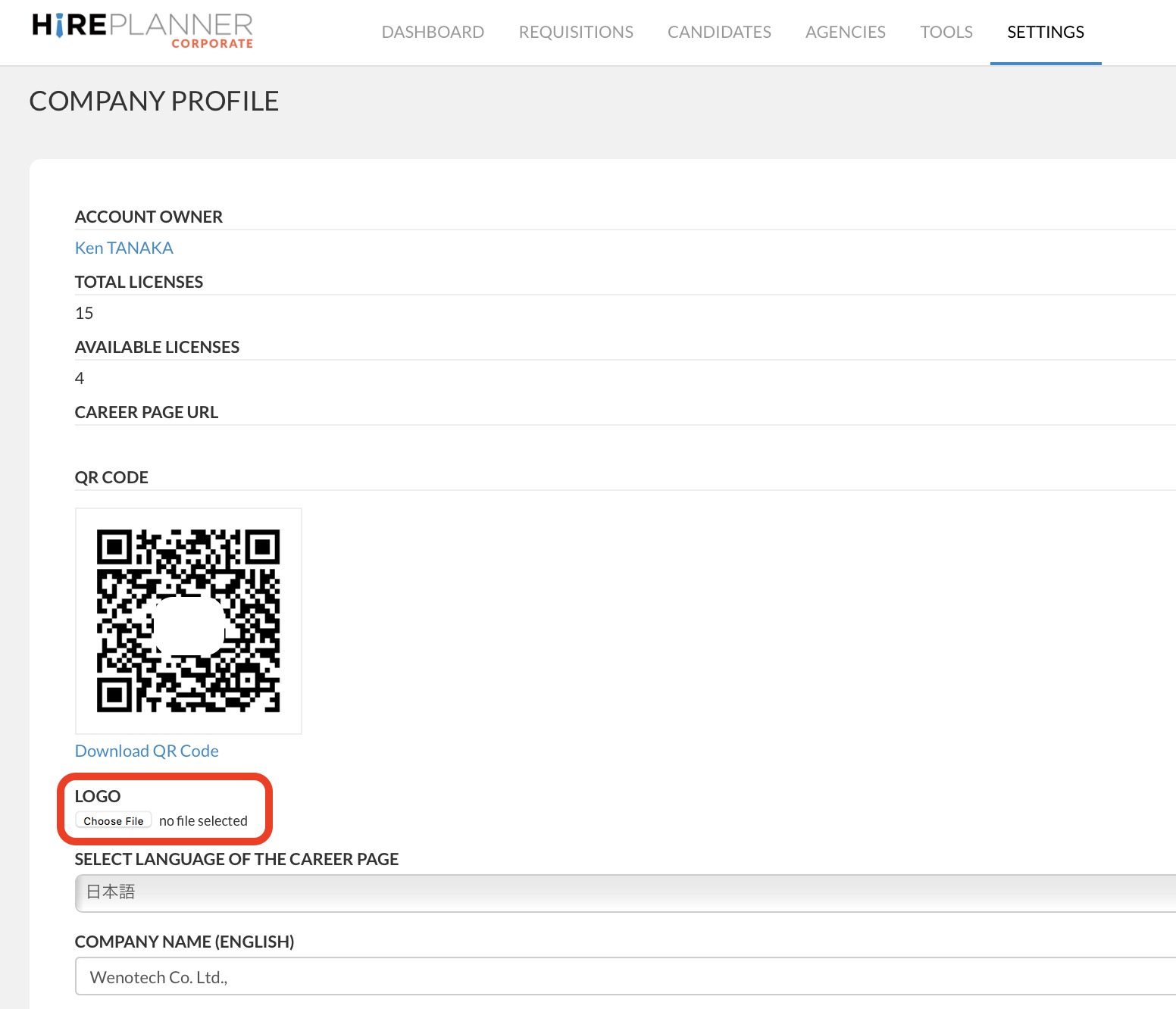
2. Look for the "LOGO" field located on the upper part of the screen (just below the QR code), select the logo file of your choice and click the "Update Company" button at the bottom of the screen.
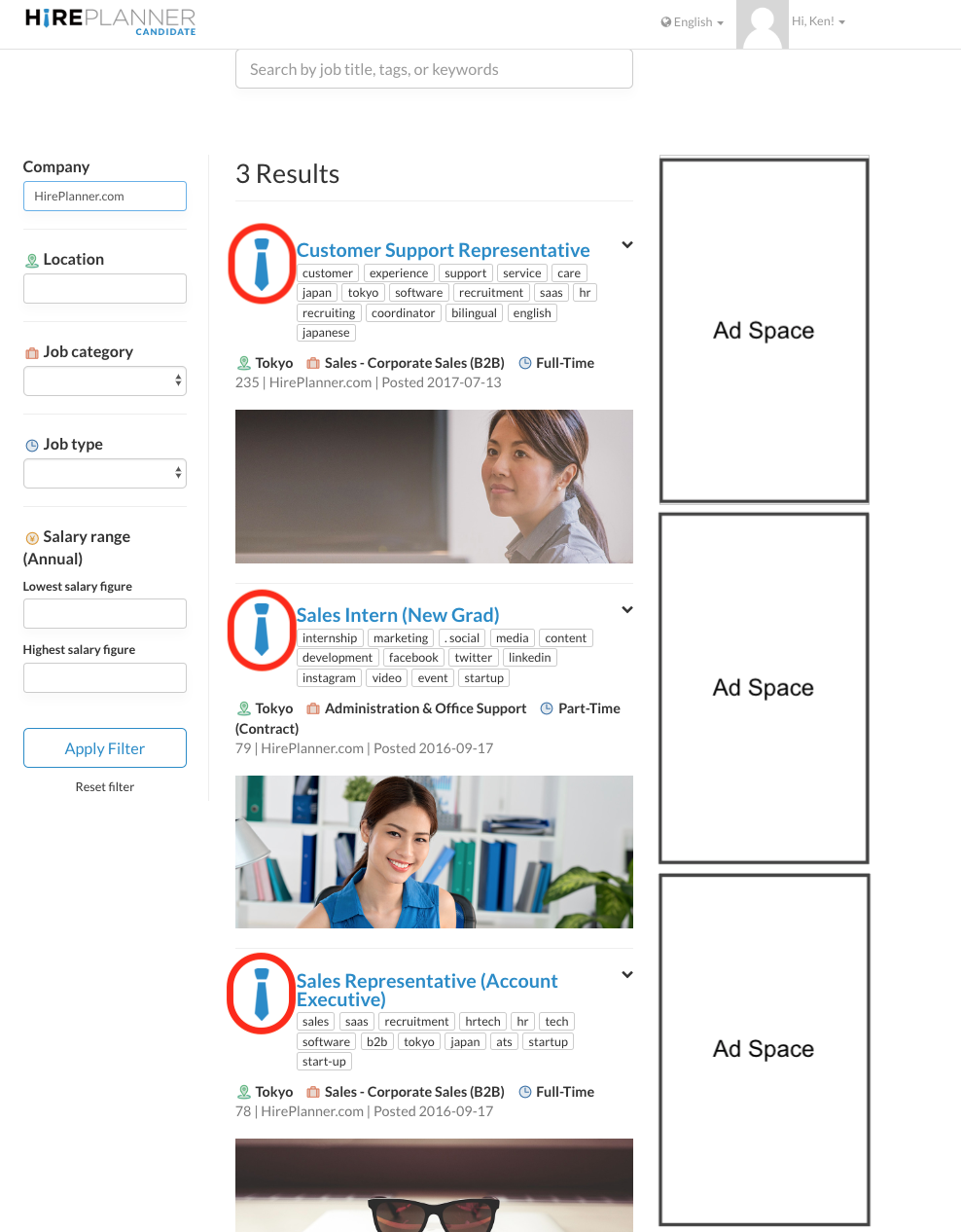
3. Your logo should appear on both the job search results page and on the upper section of your branding page (see screenshots attached below) on the HirePlanner job site accessible on the candidate side.
JOB SEARCH RESULTS PAGE
BRANDING PAGE

Comments
0 comments
Please sign in to leave a comment.