
After an offer is approved internally, and before you can close your requisition, you need to make sure your candidate's offer(s) are marked as "ACCEPTED" (if they approved the offer) or "REJECTED" (if they turned down your offer).
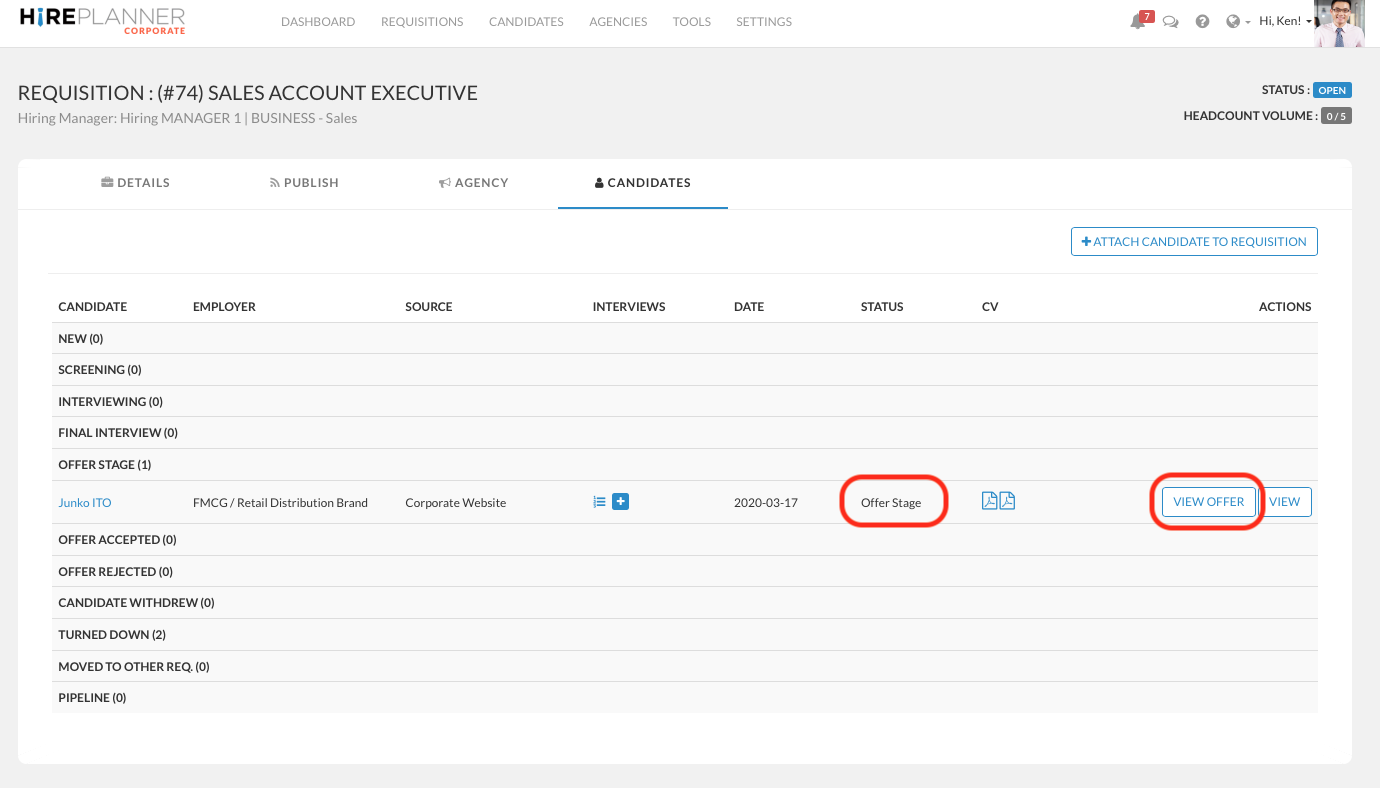
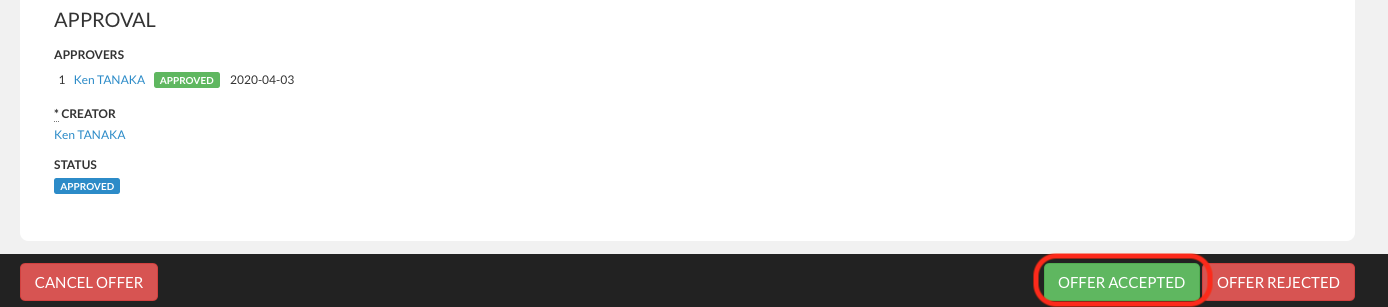
To do so, please visit your candidate's offer details page, and click either the green button "OFFER ACCEPTED" or the red one "OFFER REJECTED" at the bottom of the page to confirm the candidate you have selected has either accepted the offer or turned it down.
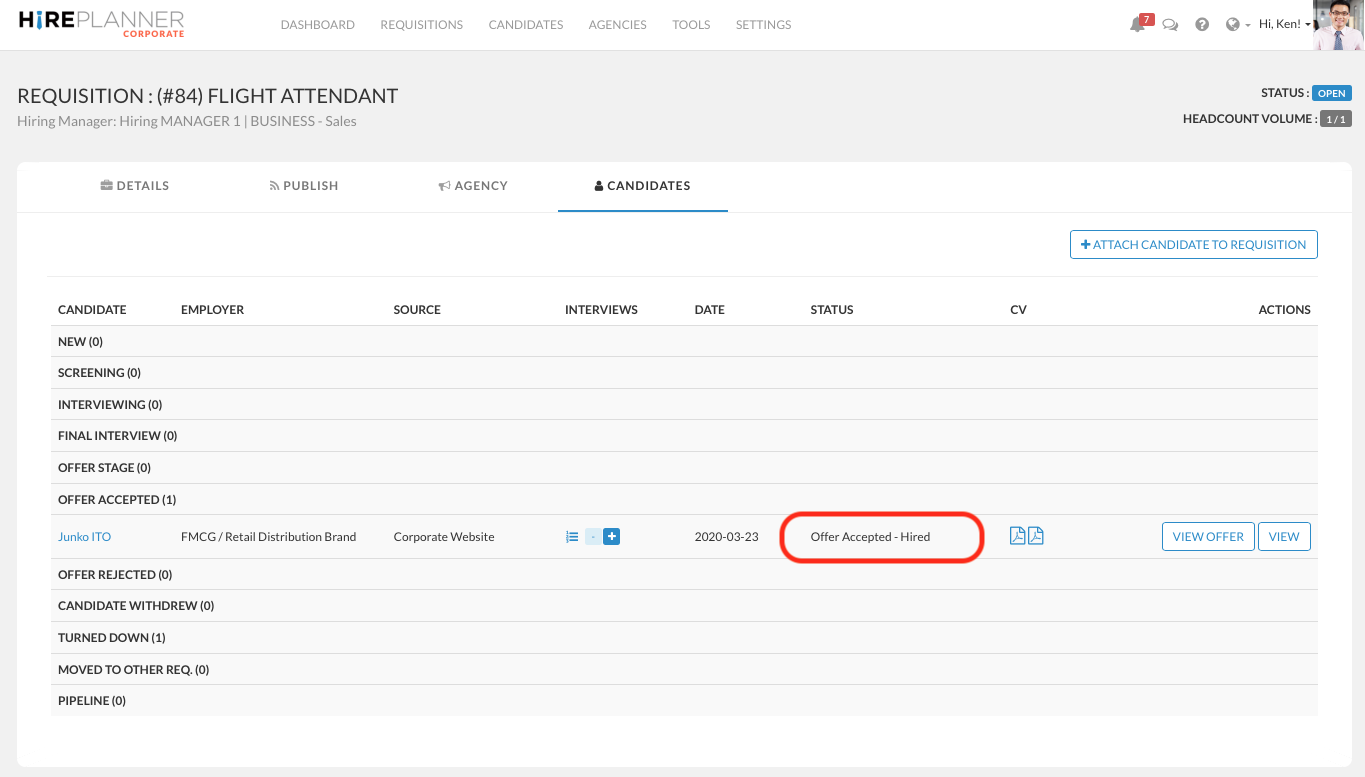
Once your offer is marked as "OFFER ACCEPTED", you can close your requisition - unless you wish to hire more people for the same requisition.
Comments
0 comments
Article is closed for comments.