
FOR HR RECRUITERS:
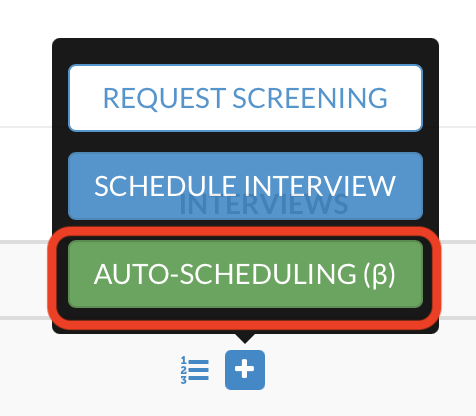
When you try to schedule an interview with the Automatic Interview Feature (click the green button "AUTO SCHEDULING"), please remember that ONLY the employees who have synced their calendar with HirePlanner will appear on the dropdown list of interviewers you can select (see screenshot example below).
a) If employees have connected their calendar with HirePlanner, you will be able to use the automatic scheduling system with them (since they will appear in the drop down of interviewers).
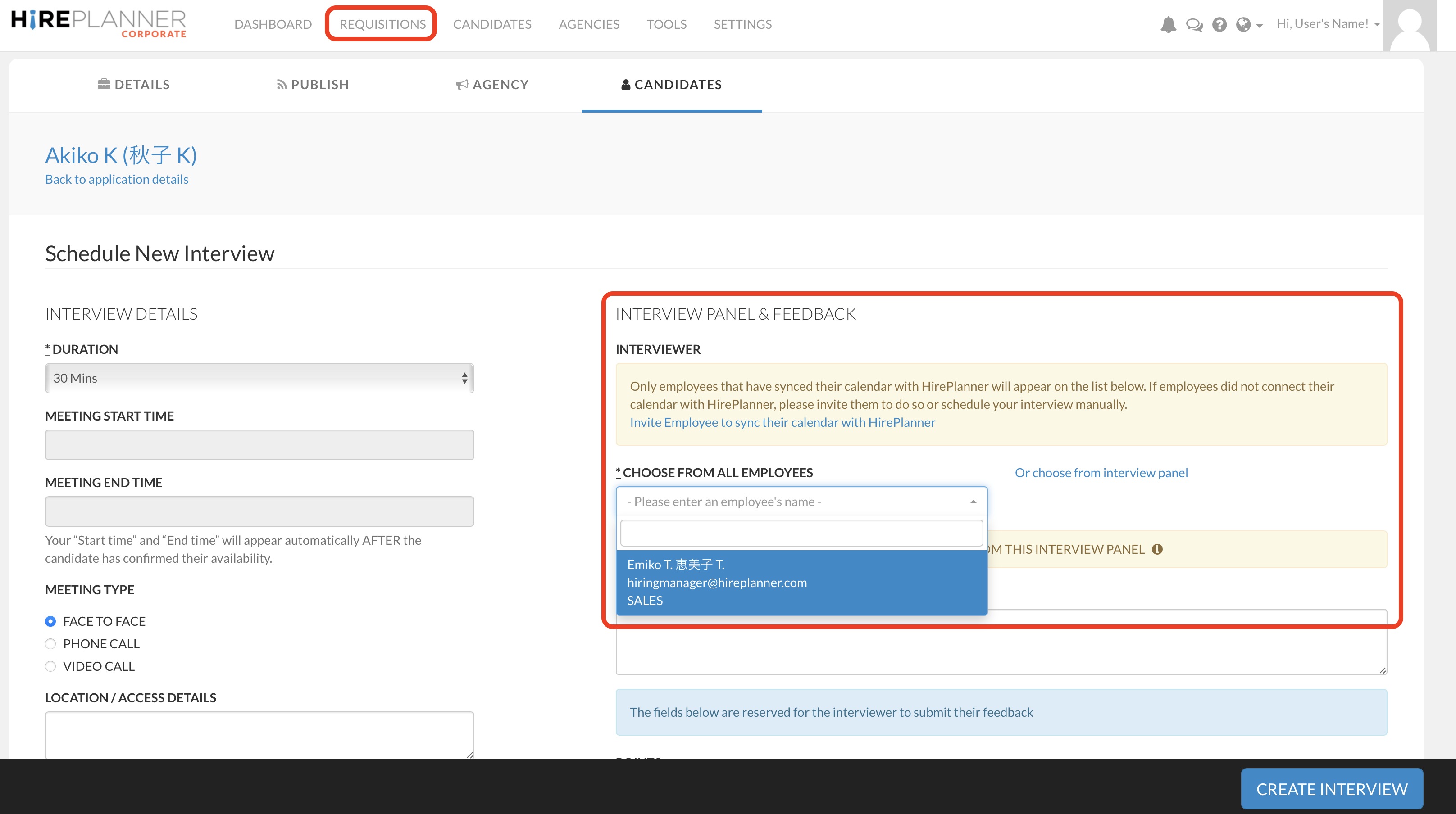
If some employees did not connect their calendar with HirePlanner, please
1) Invite them to do so
Invite Employee to sync their calendar with HirePlanner
or
2) You can schedule your interview manually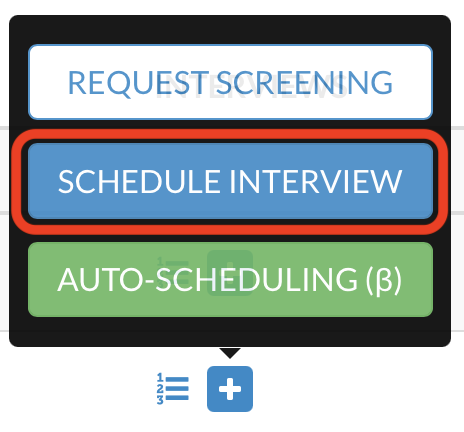
FOR ADMIN USERS (Account Owner) ONLY:
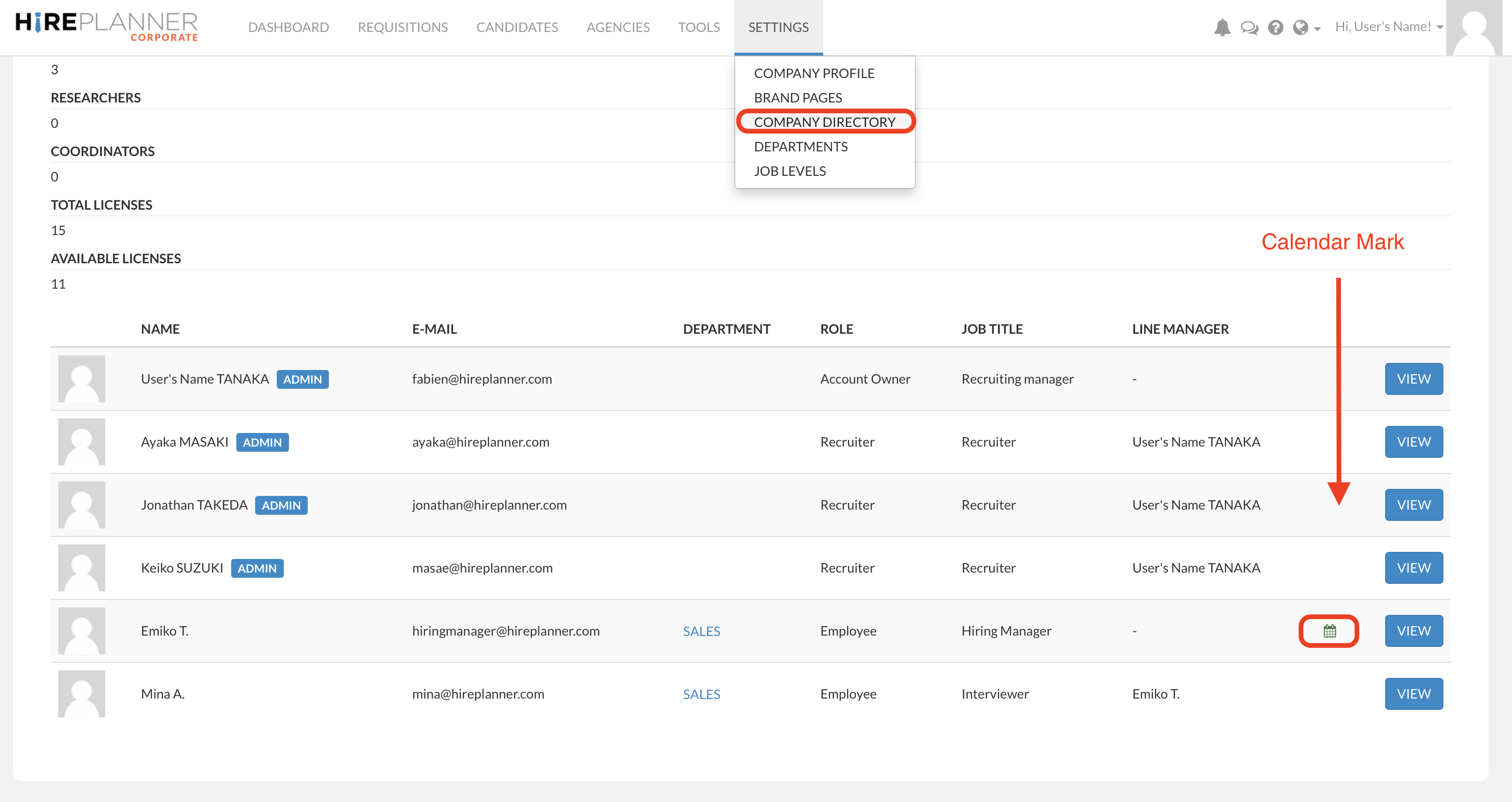
From the company directory (SETTINGS > COMPANY DIRECTORY), you can easily spot the employees who have their calendar connected to HirePlanner thanks to the green calendar icon (see visual below).

The green calendar mark indicates the user has their calendar connected to HirePlanner.
Comments
0 comments
Please sign in to leave a comment.