
Hireplanner released an upgrade which will allows HR Recruiters to include multiple attachments when creating offers on Hireplanner and raising them for approval.
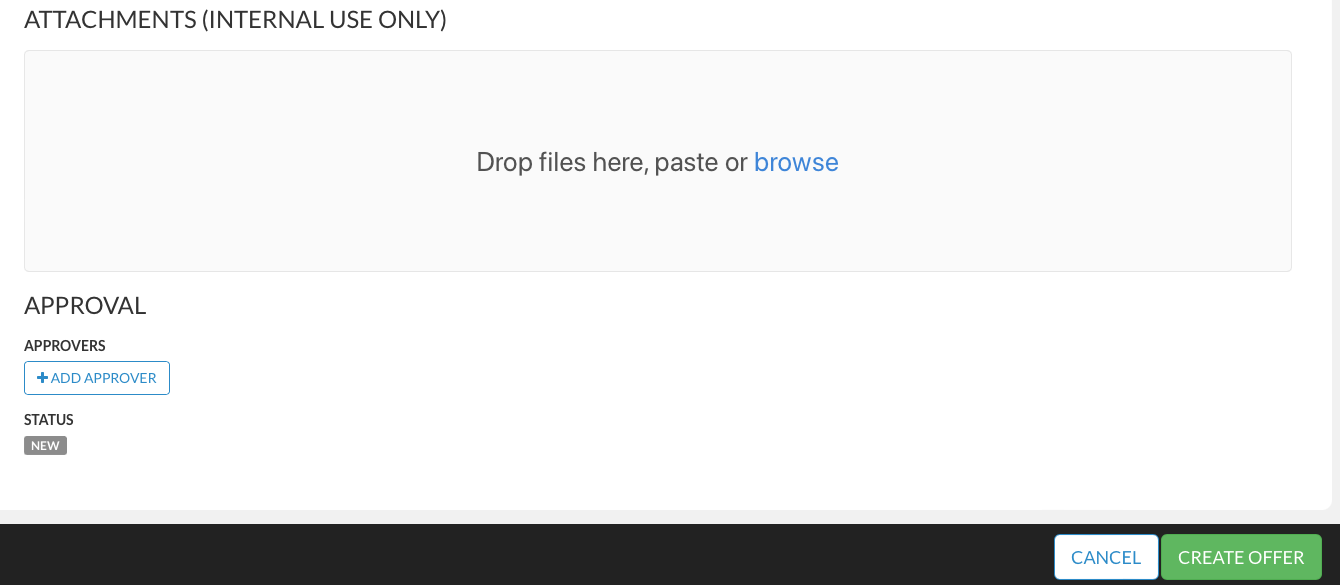
If needed, HR Recruiters can now send offer approval requests online and include BOTH the compensation details of the offer package (Salary details etc.) AND also include a copy of the official offer contract (and / or other documents) to be later shared with the selected candidate(s) (see visual attached below for reference).
! ! IMPORTANT! !
Attachments can only be attached during the offer creation process. Once you have raised the offer and submitted it for approval, you will not be able to attach documents to the offer.
If you want to attach an attachment after the approval process has started, please click "Withdraw OFFER" once, attach the attachment, and re-raise the offer to initiate the offer approval process again.
The file types that can be attached are Excel, Word Document, PDF, Png, and Jpg.
Other formats cannot be attached.
There is no limit to the number of files that can be attached.
Comments
0 comments
Please sign in to leave a comment.