
You can log in your HirePlanner account directly from the Hireplanner homepage at https://www.hireplanner.com/en and click on the "Sign-in" button located under the "Employer" section (see circled below)

or by accessing the sign-in form available at https://www.hireplanner.com/en/company_users/sign_in
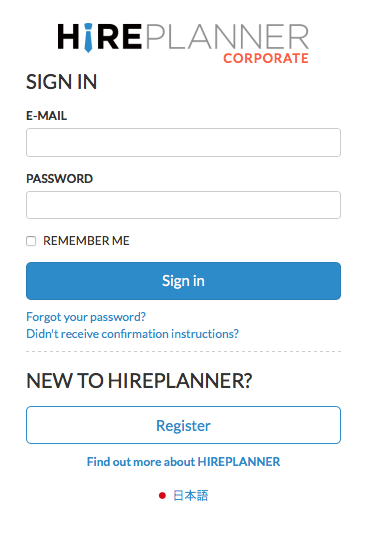
1) Enter your corporate email address
2) Type your secure password,
3) Click on the "Sign-In" and,
4) Voila! You can now access to your HirePlanner account!
Comments
0 comments
Article is closed for comments.