
Please note that this section is accessible and can be modified ONLY by the "Account Owner" or the "Administrator" user of your company. If you are a recruiter user without "Admin" access rights, you will not be able to access this part of the website.
Job levels are categories of authority and responsibility in a company. Each job level is usually associated with a salary range and a series of job titles. Jobs levels should not be confused with job titles; they are in fact a system for your company to objectively and accurately define and evaluate the duties, responsibilities, tasks, and authority level of a job.
Job levels are for internal use only and are not shared online to the public.
Each job level should include specific requirements for education, professional degrees, skills and past work experience. You will find listed below a few examples of job levels that can be used as reference:
- Entry Level
- Intermediate to Experienced Levels for Individual Contributors (I.C.) with a various amount of work experience and expertise
- Junior to Senior Level Management (M) for managers with a various level of management experience and skills
- Senior leadership to top management for top executives with a wide range of experience in supervising the performance of a business.
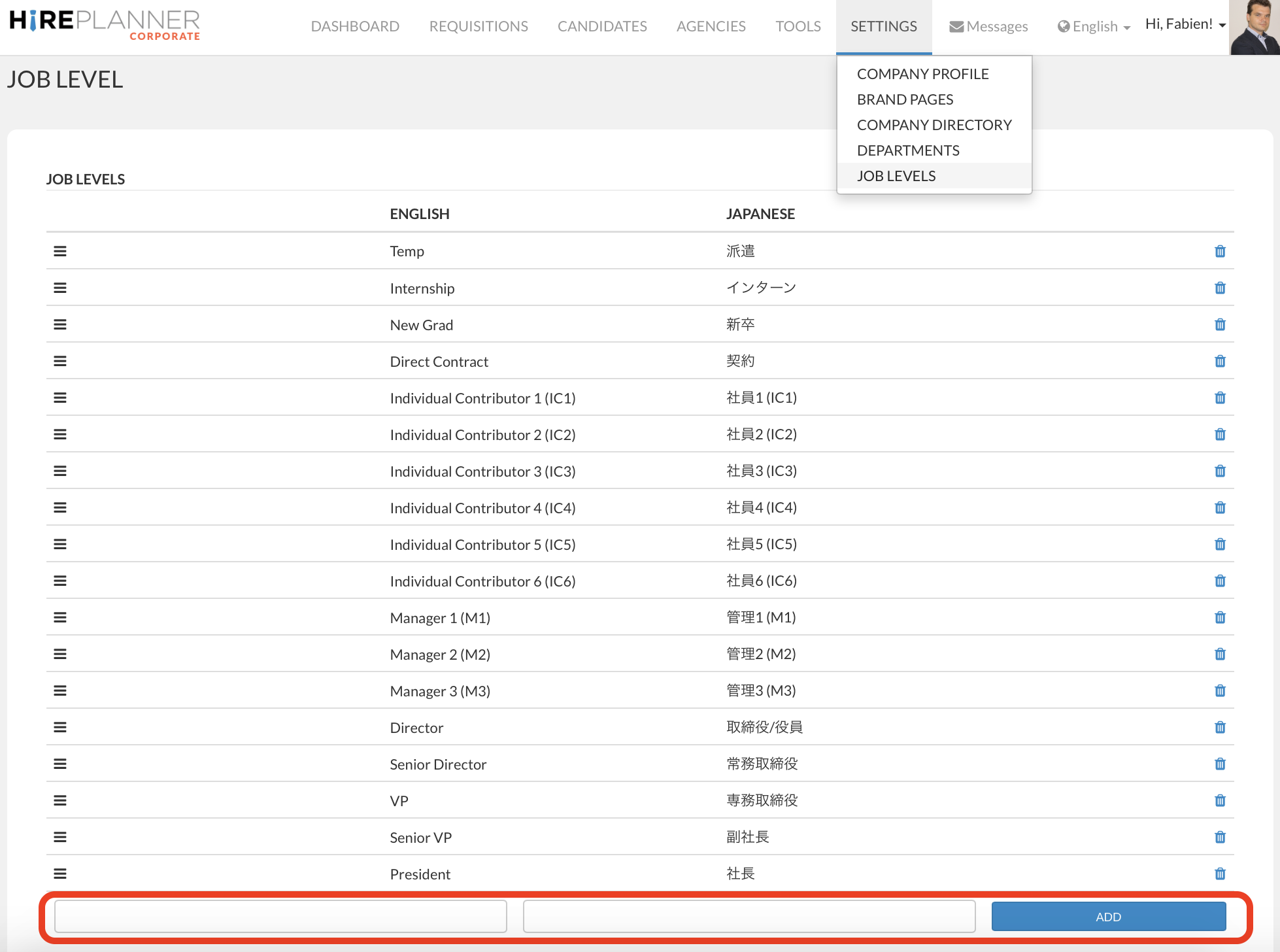
For your reference, HirePlanner provides several examples of job levels in the system (see screenshot displayed below). Please feel free to make any changes that's required to fit your organization.
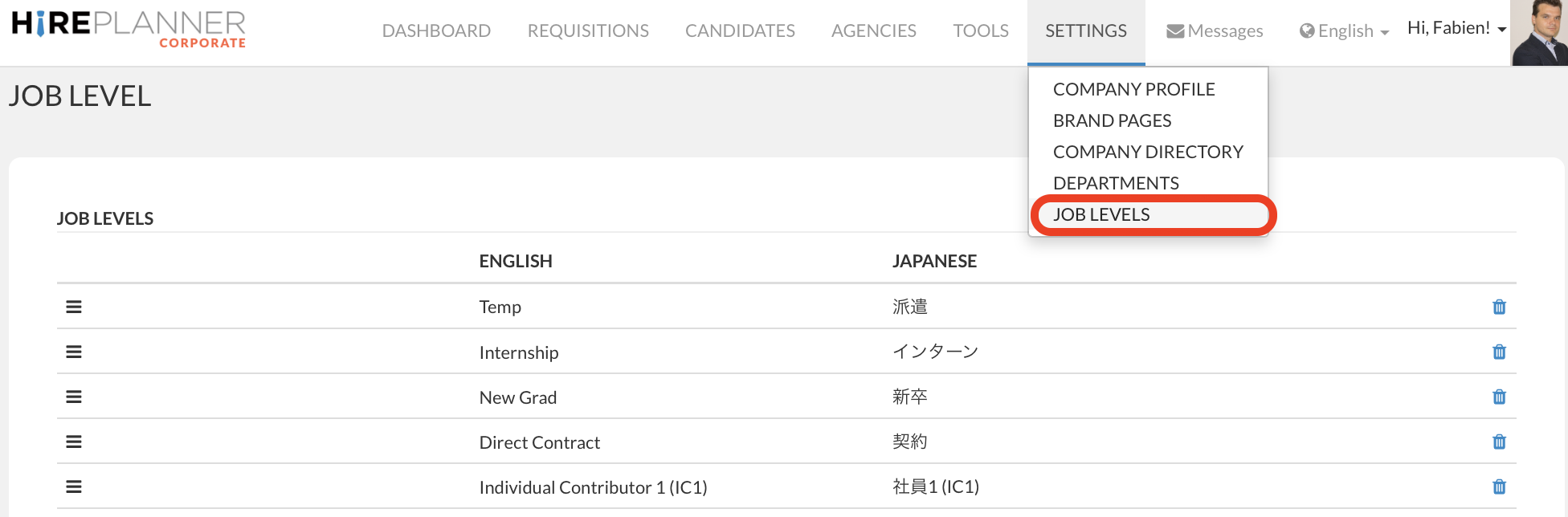
1. Please click on "JOB LEVELS" under "SETTINGS" on the top navigation menu.
2. CREATE a new JOB LEVEL
If you wish to create a new job level in the list already provided, please input the name of your new job level in both English and Japanese in the two blank fields located at the bottom of the page, then click on the "ADD" blue button (see screenshot attached below).
3. DELETE a JOB LEVEL
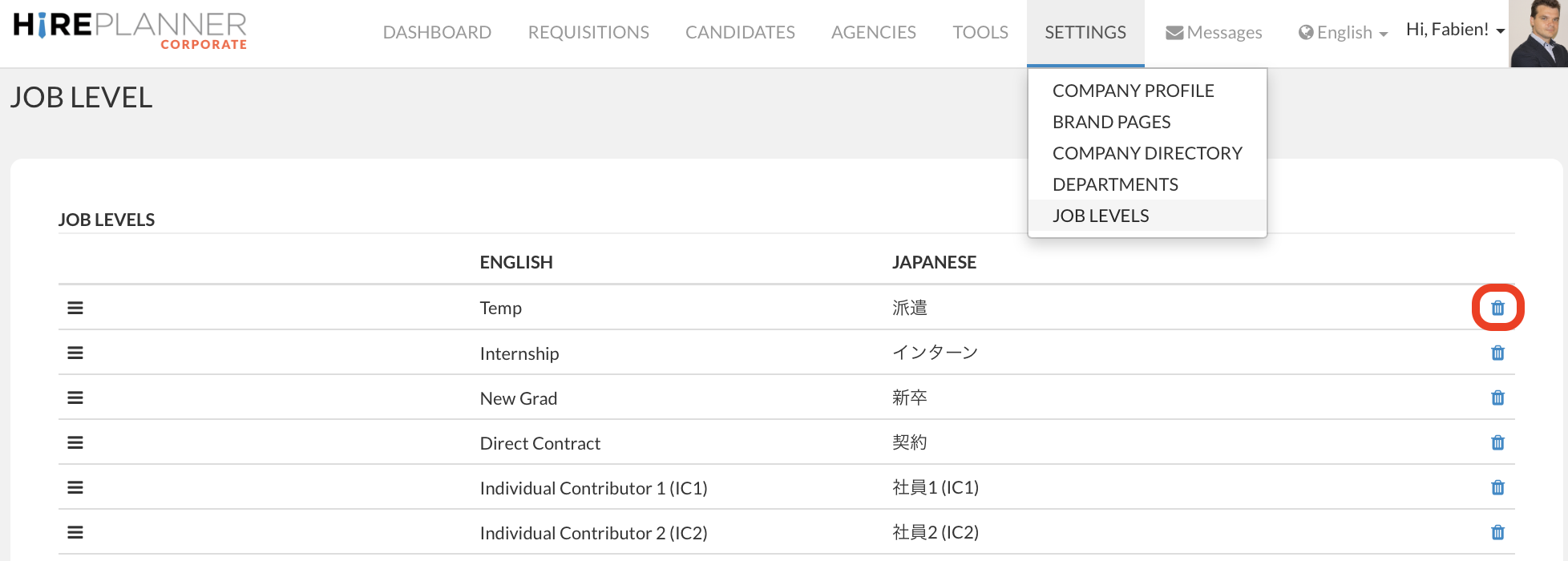
If you wish to delete a job level and remove it from your list, please click on the trash can located on the right side of the row you would like to delete.
Caution! Once deleted, a job level cannot be retrieved.
4. SORT and ORGANIZE JOB LEVELS
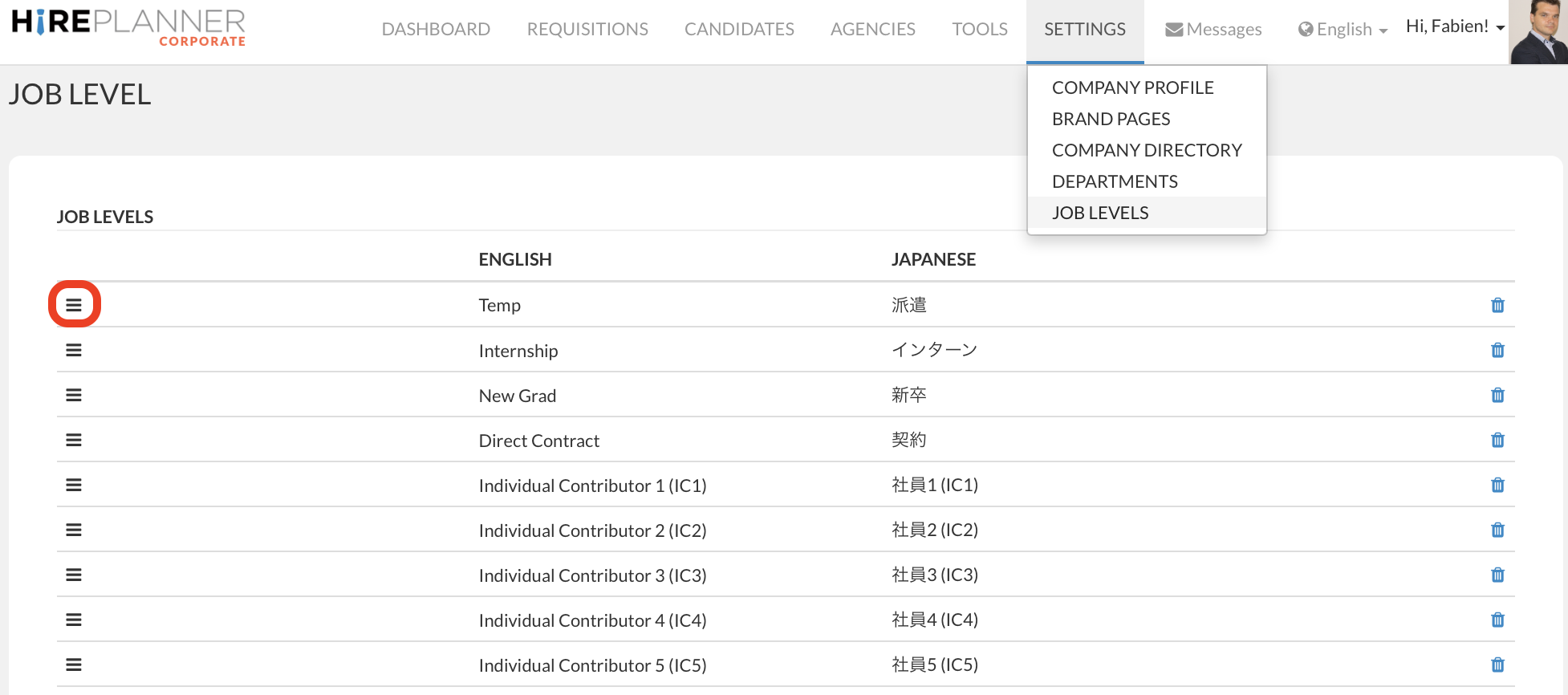
If you wish to re-arrange the order of your job levels, please click on the icon displayed on the left hand side of the job level, then drag up or down until the job level is displayed in the order of your choice.
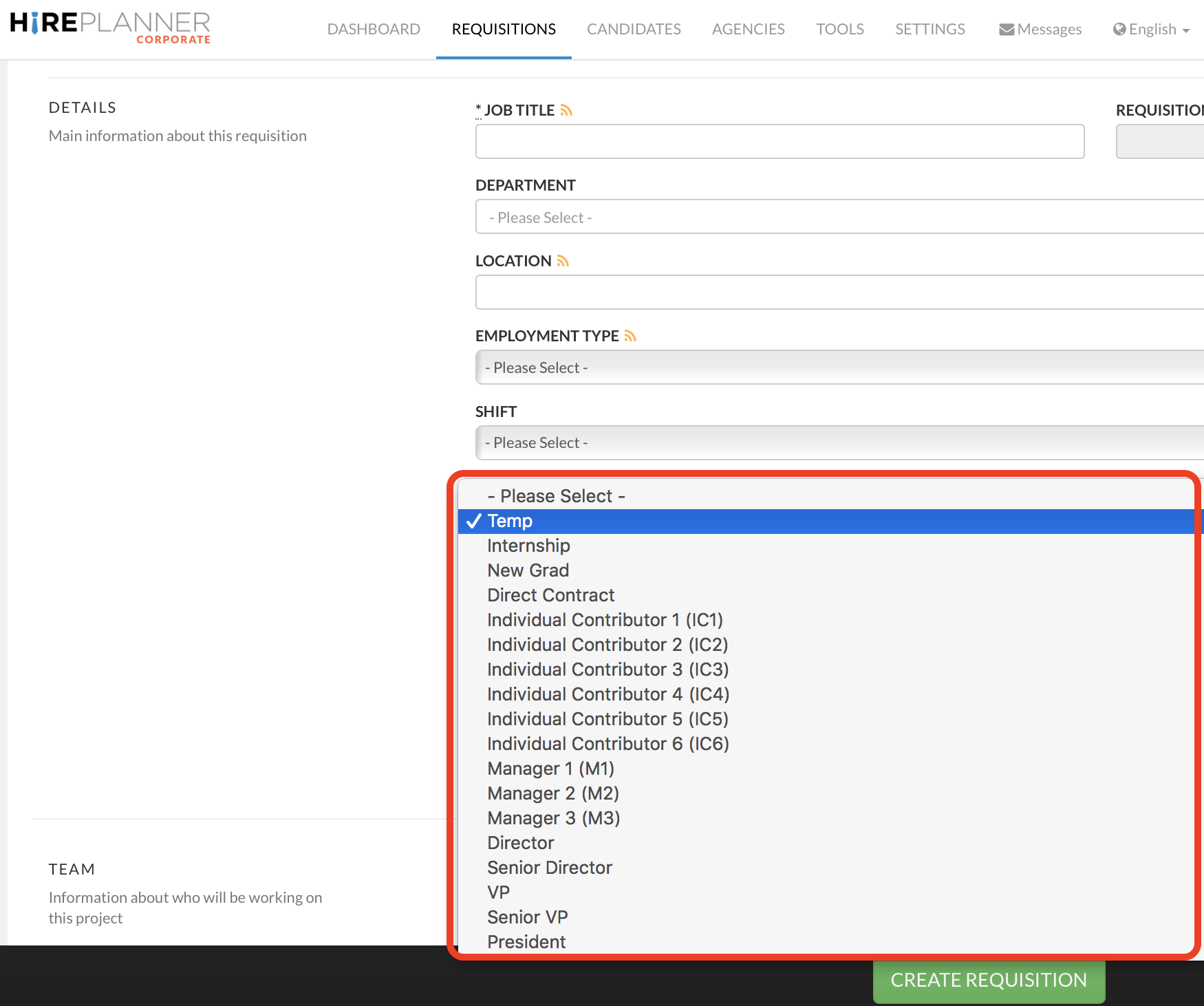
Reference: Once you are done adjusting the order of your job levels, they will appear on the "job level" drop down available on the form that is used to create new requisitions (recruitment projects).
Comments
0 comments
Please sign in to leave a comment.