

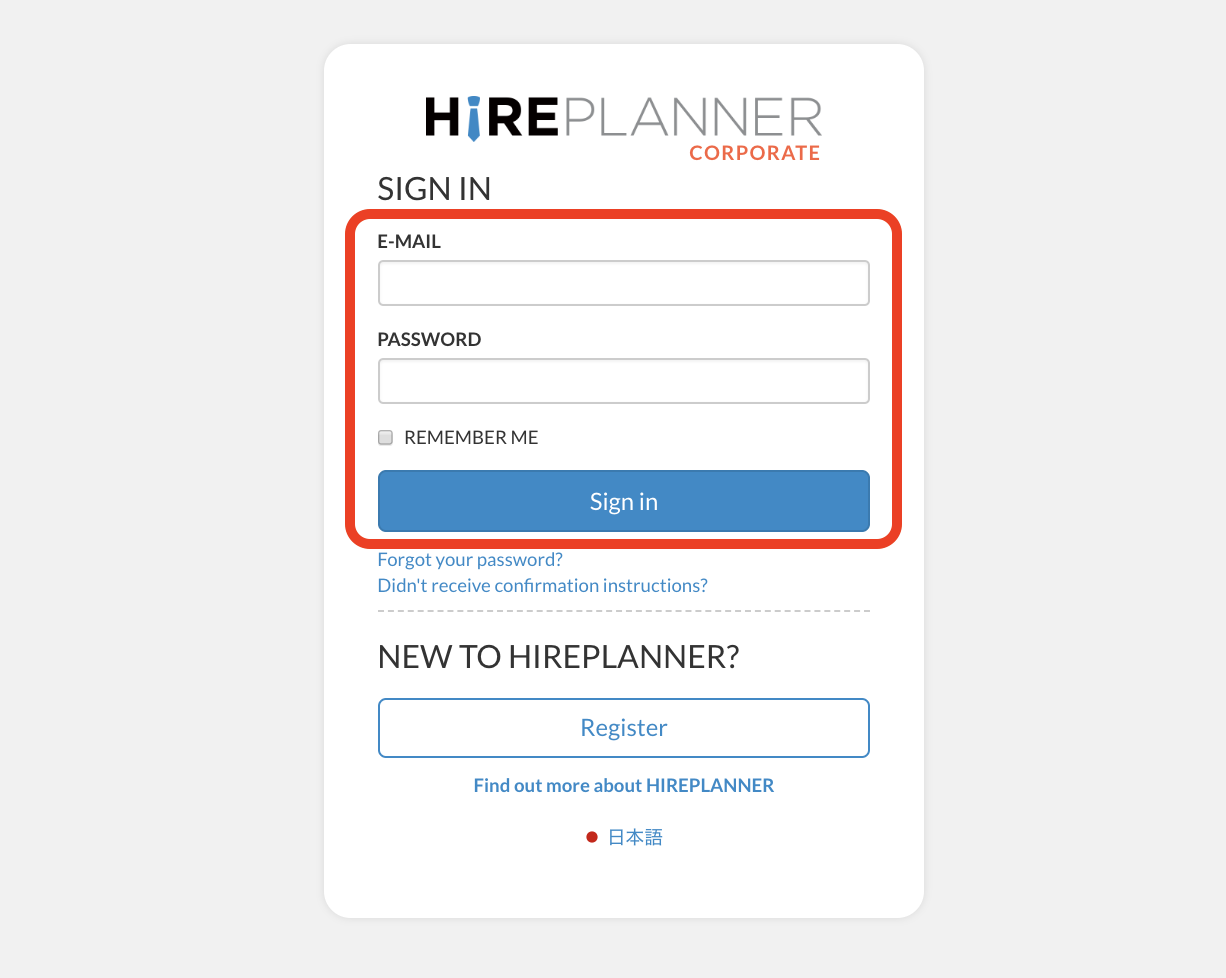
TO SIGN-IN AND ACCESS YOUR HIREPLANNER ACCOUNT:
1) Please visit www.hireplanner.com
2) Click on the "EMPLOYERS" section located just below the top navigation menu on the left hand side
3) Type in your email address (User ID) and password
4) Click on the blue "SIGN-IN" button
CONGRATULATIONS AND WELCOME TO HIREPLANNER!
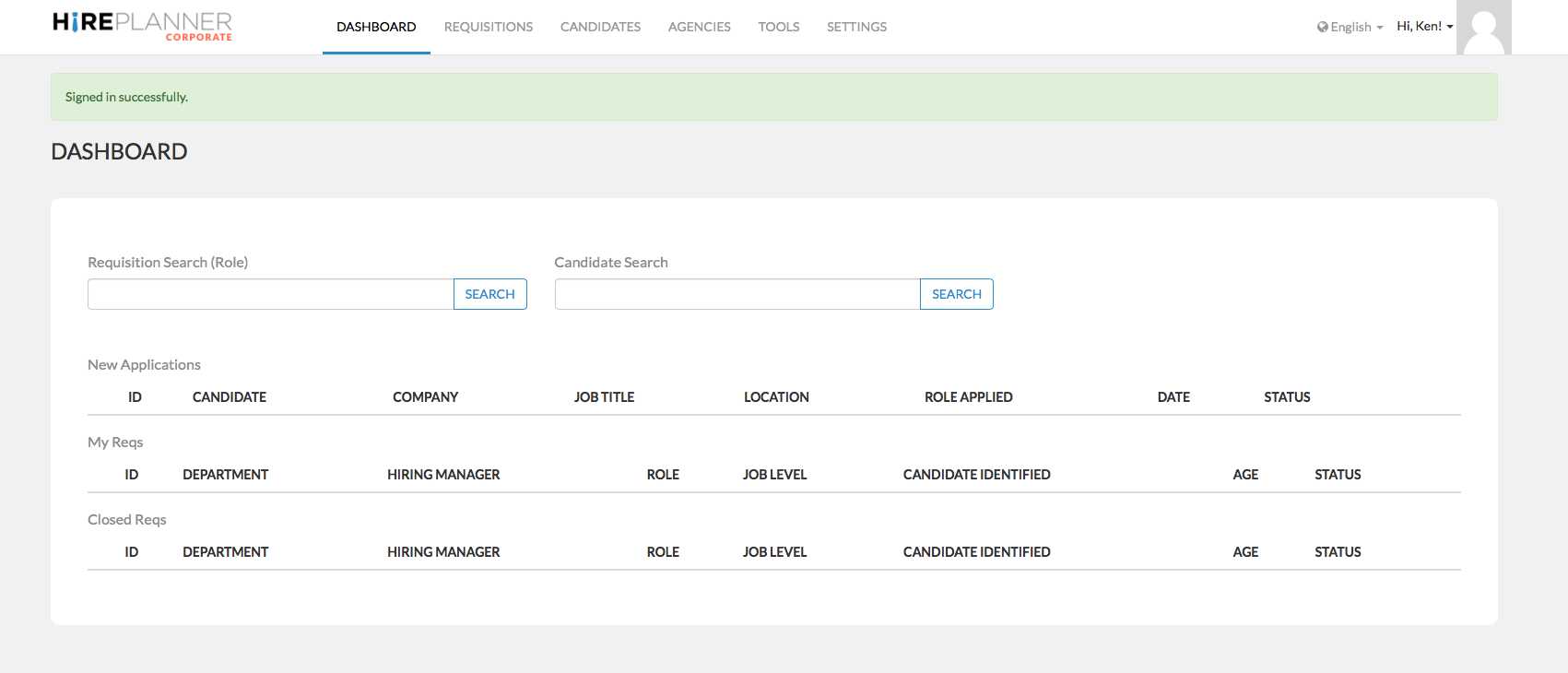
The first time you login into your account, don’t be surprised if your dashboard does not look like much… Not to worry; It is normal and this should change rapidly as soon as you complete setting-up your account details and start customizing the system based on your organization and internal recruiting needs.
Your dashboard before your settings are complete should look as attached below
Before you can start creating job postings and build your candidate pipeline, please make sure to complete the next few steps:
1) Update your company profile,
2) Create your company's departments and,
3) Create your list of users (recruiters, hiring managers and interviewers...).
4) Create and organize your job levels
Comments
0 comments
Article is closed for comments.