
In most cases, your candidate profiles will be created by candidates themselves (when they apply online on your website) or by your agency consultants (when they make new candidate introductions). However, from time to time, you may need to create your candidate profiles yourself.
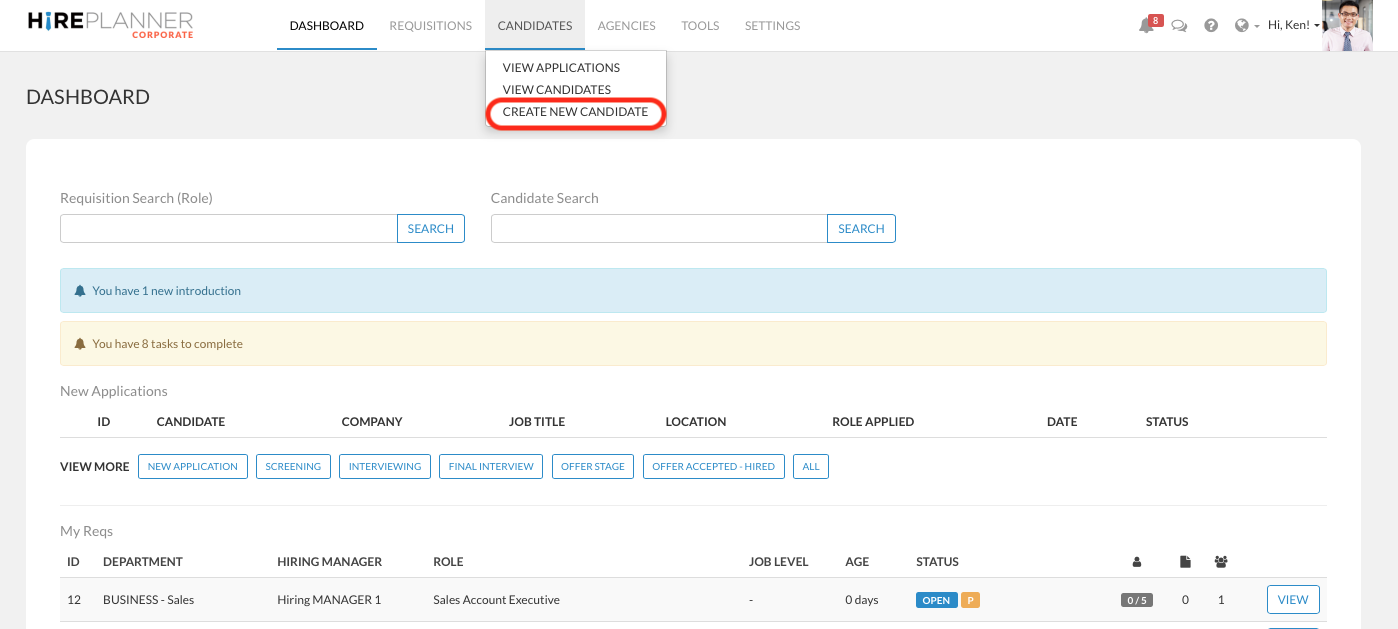
To do so, please select "CREATE NEW CANDIDATE" under CANDIDATES located in the top navigation menu:
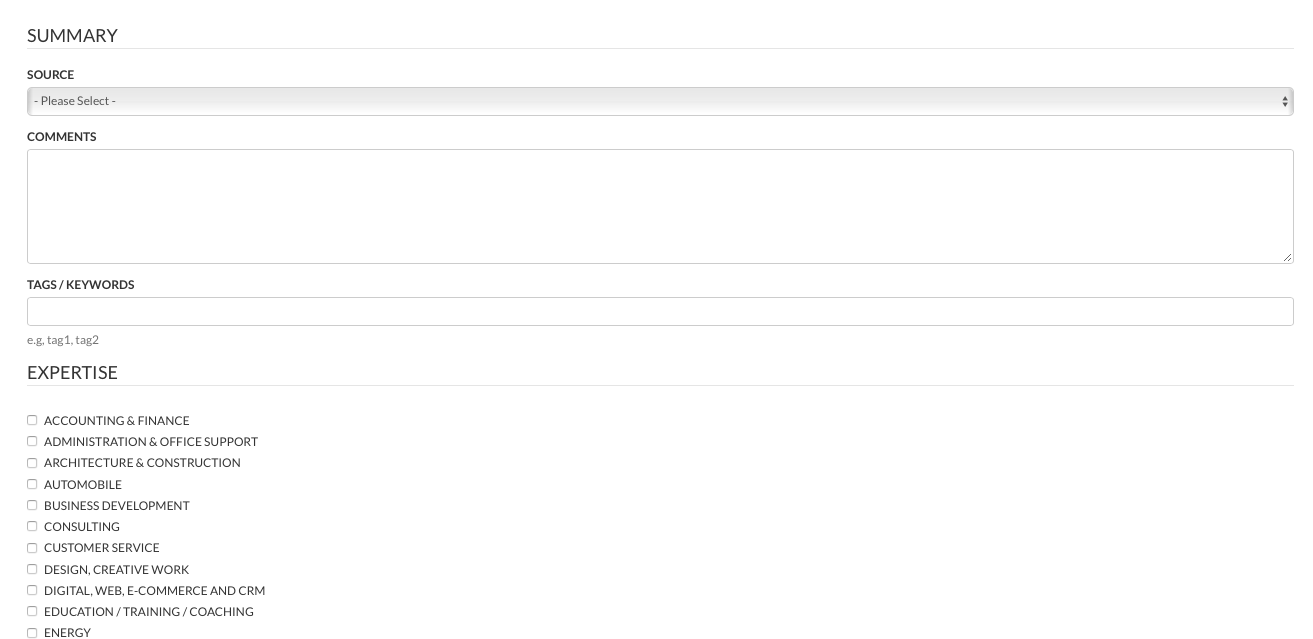
You will then be re-directed to the online form to create a new candidate form:
No fields are mandatory EXCEPT FOR the candidate's full name in both English and Japanese. you can therefore create a candidate profile with very little information.
Having said that, please remember that the more information you include on a candidate profile, the easier it will get for you to find the most suitable candidates within your candidate pipeline. For this reason, we always highly recommend you to include as much relevant information as possible that will help you identify candidates further down the road such as: Expertise, Language, Comments, Tags & Keywords etc.
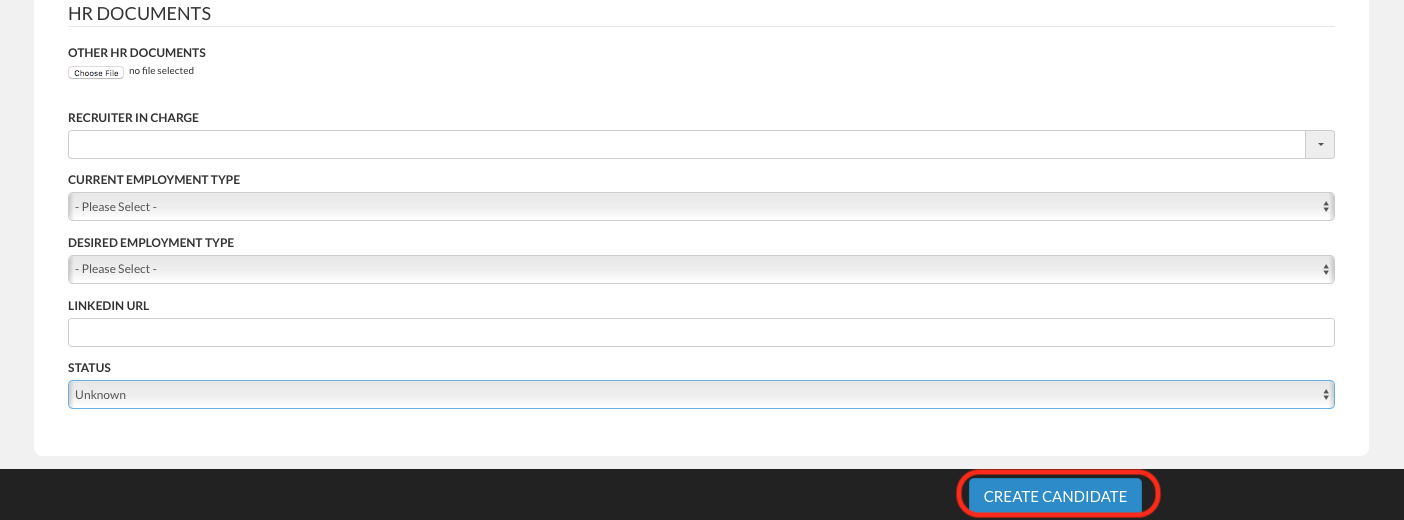
Once you are happy with the information you have included onto your new candidate form, please click on the "CREATE CANDIDATE" blue button located at the bottom of the page.
NOTE: Please remember that when you create a new candidate profile, this one will NOT be linked to any requisition (search project). Once you have created your new candidate profile, you will need to attach the candidate to an existing job listing (requisitions) if you wish to add him/her onto a candidate pipeline for a given role.
For more information on how to attach a candidate to another requisition, please click HERE.
Comments
0 comments
Article is closed for comments.