
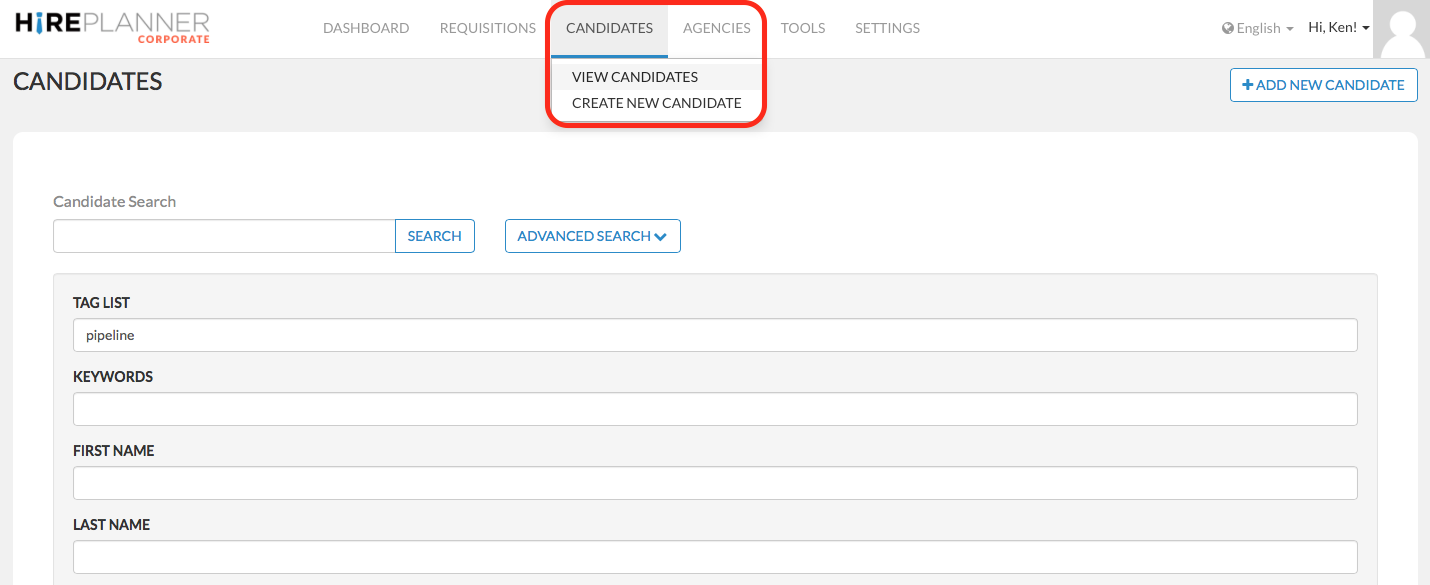
To access your database and search for the most qualified candidates, click on the “Candidates” tab (on the top menu) and select “View Candidates” in the drop down menu. This will give you access to your resume bank where you can search through a multitude of different criteria such as for example:
- Candidate name
- Keywords
- Company name
- Language abilities
- Years of experience
- Tag list
- Location
- Email address
- Field of expertise
etc...
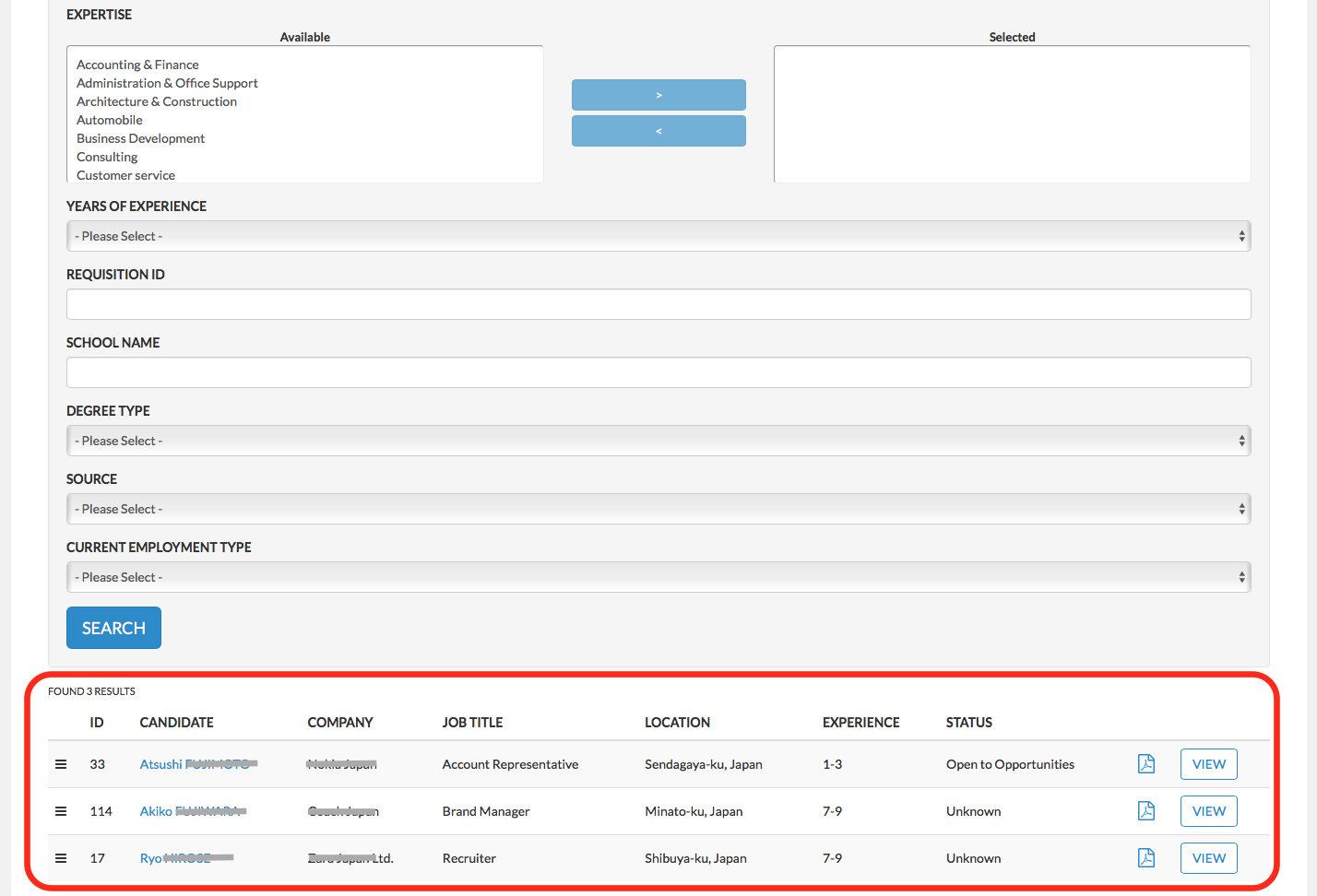
Obviously, the more information you include over time in each one of your candidate profiles, the more you will be able to make use of your search functionality and the easier it will be to identify suitable candidates for your organization. Once you have selected your search criteria, click on the blue “Search” button and your search results will appear below (see marked in red below).
Comments
0 comments
Please sign in to leave a comment.