
To access old requisitions that are closed and no longer opened:
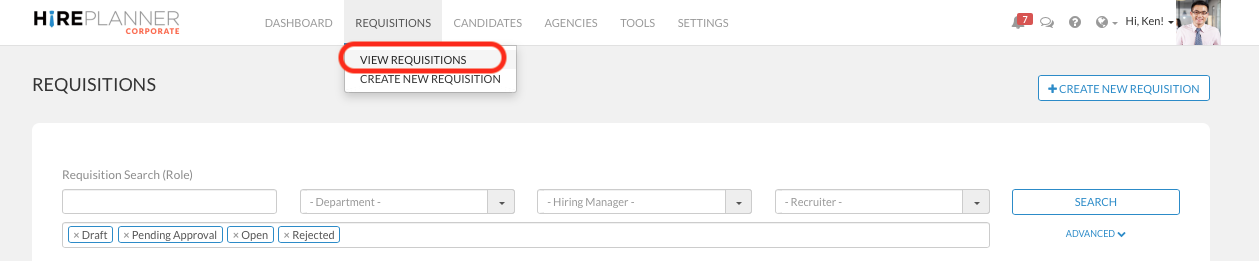
- Click on "REQUISITIONS" on the top navigation bar
- Select "VIEW REQUISITIONS" on the drop down menu that appears
- Update the status field circled in red on the screenshot below and make sure to select the status "Closed" and remove any other status such as "Open", "Draft" etc...
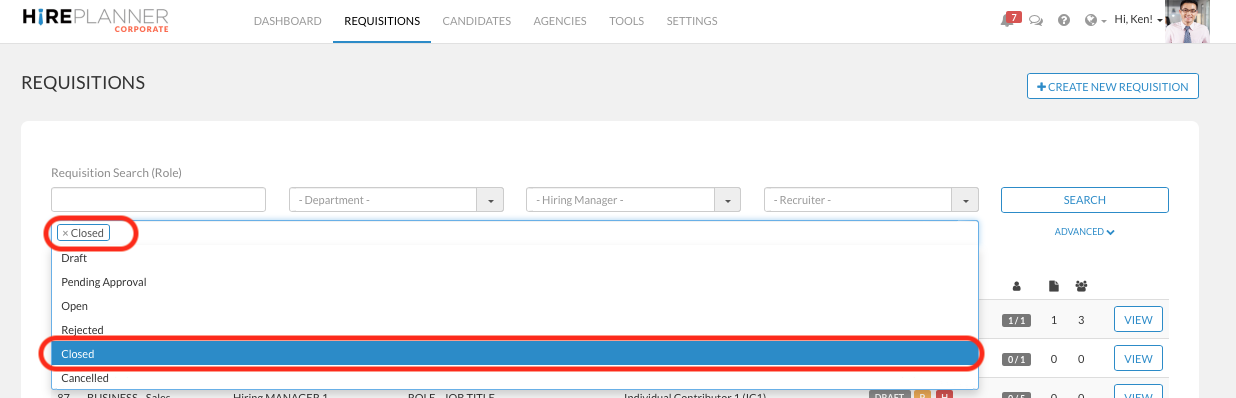
- Click on the "SEARCH" button
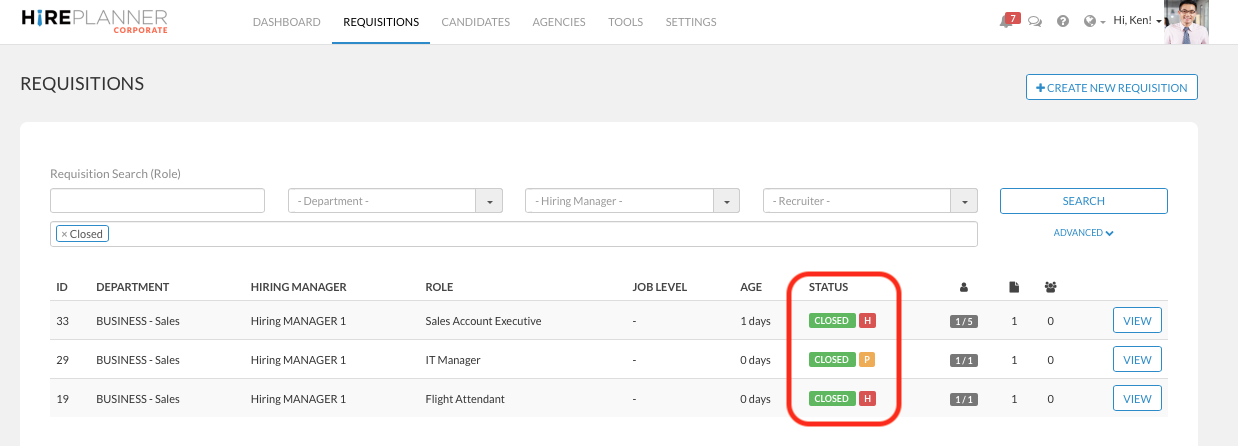
- You can now review all your closed requisitions.
Comments
0 comments
Please sign in to leave a comment.